The Nightmare of the Bypassed Digital Lock
You turned on two-factor authentication and figured that was it, job done, account safe forever. I thought the same thing until my phone went dead silent one Sunday afternoon and my bank account went with it. Turns out that little six-digit code isn't nearly as unbreakable as everyone tells you it is.
Then, on a completely normal Sunday afternoon, my phone suddenly lost all cellular service. I thought it was just a temporary network glitch, but two hours later, I logged into my bank using my home Wi-Fi. My stomach dropped completely to the floor when I saw that my entire savings account had been drained to zero.
A hacker had stolen my phone number, intercepted my secret codes, and quietly bypassed the very system I thought was protecting me. That terrifying afternoon taught me a very harsh lesson about the illusion of modern digital safety.
But when cybercriminals silently slip past these defenses, the resulting anxiety is absolutely suffocating. You suddenly realize that your private emails, personal photos, and hard-earned finances are completely exposed. The mental exhaustion of trying to reclaim a stolen digital identity can take months of your life away.
You spend hours on the phone with customer service agents who treat you like you did something wrong. You feel incredibly violated, angry, and confused about how a highly advertised security tool failed you so miserably.
The hardest part is the lingering paranoia that follows you around long after the attack. You start second-guessing every email, every login screen, and every text message you receive.
But you do not have to live in this constant state of fear. By understanding exactly how these criminals break the locks, you can upgrade your defenses and completely shut them out. Let us pull back the curtain on this broken system and rebuild your digital peace of mind.
Quick Summary: What You Need to Know
- SMS is Deeply Flawed: Text messages are not encrypted, making them incredibly easy for hackers to intercept or redirect.
- Fake Websites Steal Codes: Modern phishing attacks trick you into typing your live 2FA code into a fake login screen.
- Cookies Are the New Target: Hackers steal your active session cookies to bypass the login screen entirely.
- Physical Keys Are Unbeatable: Using a small, physical hardware key is the only proven way to completely stop remote takeovers.
The Short Version, Before You Dive In
- Text message codes can be intercepted or stolen through a SIM swap, so don't rely on them alone
- An authenticator app is a big step up, but a fake login page can still trick you into typing your live code
- A physical hardware key checks the real website address and simply won't work on a fake one
- Never tap "Trust this device" on anything that isn't a computer permanently locked in your own home
Decoding the Hidden Mechanics of Broken Security
To properly defend your online identity, you need to understand exactly what happens when the system fails. Two-factor authentication (2FA) is basically a digital bouncer standing at the door of your favorite club.
The bouncer asks for your password (something you know) and your temporary code (something you have). On paper, this sounds like a perfect security strategy.
However, modern cybercriminals rarely try to fight the bouncer directly. Instead, they use highly sophisticated psychological tricks and network flaws to sneak in through the back window. Let's explore exactly how they pull off these terrifying digital robberies.
The SMS Interception Nightmare (SIM Swapping)
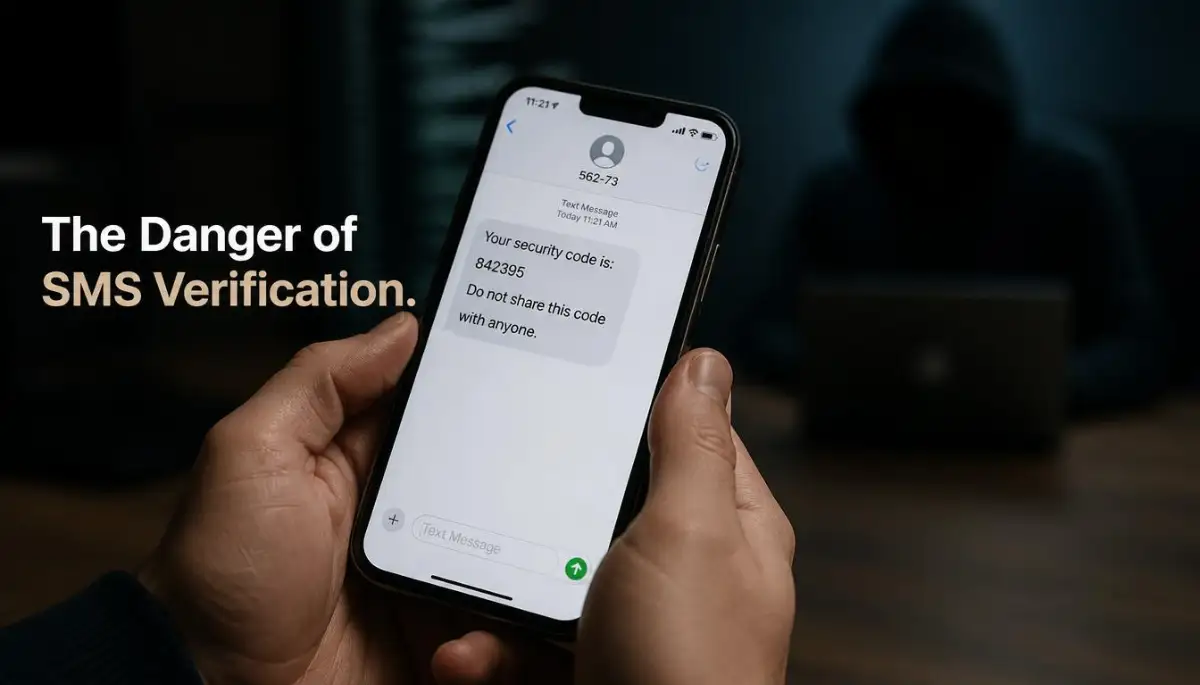
The absolute weakest link in global cybersecurity right now is the standard text message. When you ask a website to text you a verification code, you are relying on aging telecom infrastructure.
Text messages are completely unencrypted as they travel through the air. This means anyone with the right software can simply pluck your secret code right out of the sky.
Fact: SIM swap fraud has cost victims tens of millions of dollars in the US alone, according to FBI complaint data. A criminal only needs your name, birthday, and address, all things easily found in old data breaches, to talk their way past a tired customer service rep.
But the most common and devastating attack is known as "SIM Swapping." In this scenario, the hacker does not even need to be near you to steal your code.
They simply call your mobile carrier and pretend to be you. The criminal will use pieces of your personal data found on social media to answer security questions.
They might tell the customer service agent that they bought a new phone and need to transfer the phone number to a new SIM card. If the agent falls for the trick, your physical phone instantly loses service.
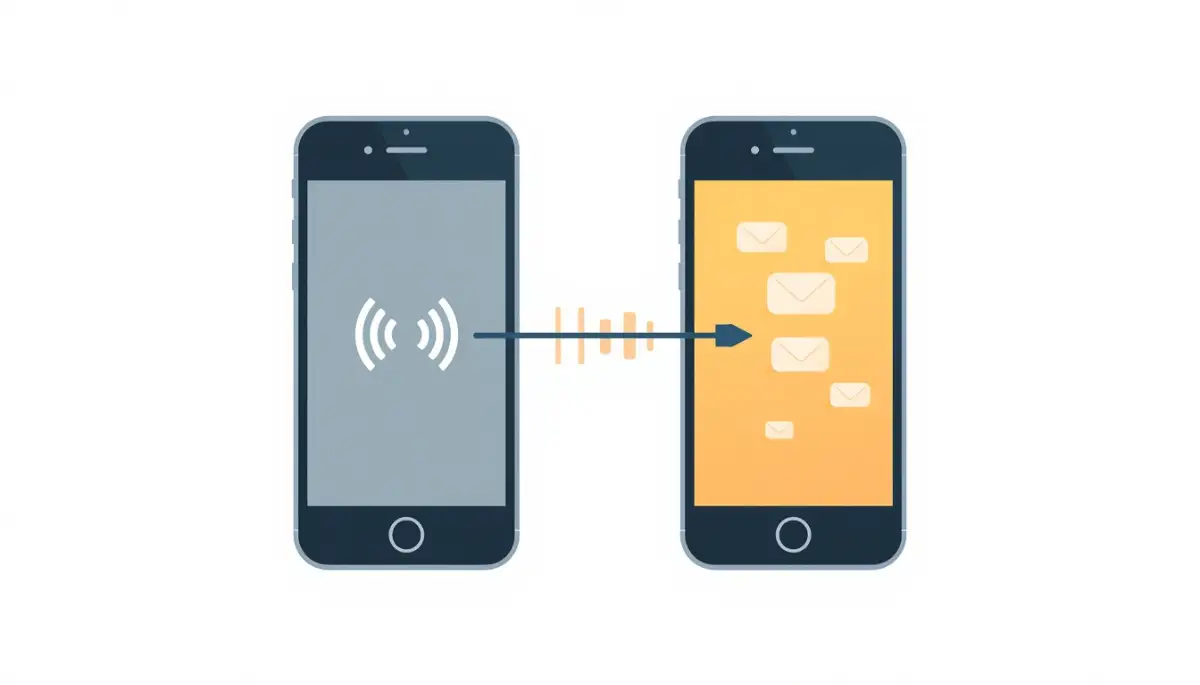
At that exact moment, the hacker's phone starts receiving all of your calls and text messages. When they trigger a password reset on your bank account, the security code goes straight into their hands.
Real-Time Phishing and the Man-in-the-Middle
Many people assume that using an Authenticator app (like Google Authenticator or Authy) makes them completely immune to hackers. While these apps are significantly safer than text messages, they are still vulnerable to human error.
Hackers use a terrifying technique known as an Adversary-in-the-Middle (AiTM) attack. It starts with a highly realistic, urgent email claiming your account has been suspended.
You click the link and arrive at a website that looks exactly like your normal email provider. You confidently type in your username and your password.
The fake website then asks you for your current six-digit authenticator code. Because the site looks so legitimate, you open your app and type the numbers in without a second thought.
The hidden hacker instantly takes your live code and inputs it into the real website before the timer expires. You just handed them the keys to your house while staring directly at the front door.
Before we discuss how to block these fake websites, watch this incredible short video that shows exactly how a real-time phishing attack steals your live codes.
The Sneaky Threat of Session Hijacking
Sometimes, hackers do not even bother asking you for a password or a security code. They completely bypass the entire login process by stealing your browser cookies.
Think of a session cookie like a VIP wristband at a music festival. Once you show your ticket (password) and your ID (2FA code) at the front gate, the security guard gives you a wristband.
For the rest of the day, you can walk in and out of the festival just by showing that wristband. Websites use this exact same logic to keep you logged in so you do not have to type your password every five minutes.
If a hacker manages to steal your digital wristband, they can access your account instantly. They typically steal these cookies through malicious browser extensions or infected software downloads.
The website sees the stolen cookie, assumes you are the one sitting at the computer, and simply lets the hacker inside. Since the login step is completely skipped, your 2FA app never even sends you a warning notification.
The Exhaustion Tactic (MFA Fatigue)
Cybercriminals are incredibly persistent, and they know exactly how to manipulate human psychology. If they acquire your password but cannot get your code, they will launch an MFA Fatigue attack.
This usually happens with security systems that send a "Push Notification" to your phone asking you to tap "Approve" or "Deny." The hacker will trigger the login request thirty or forty times in a row, usually in the middle of the night.
Your phone will buzz non-stop, waking you up and causing massive frustration. In a state of sleepy irritation, you might accidentally hit "Approve" just to make the annoying buzzing stop.
The moment you tap that button, the hacker is inside your account. This exact psychological trick has been used to breach some of the largest technology companies in the world.
Safe vs. Unsafe Authentication Methods
To make your digital upgrade incredibly simple, I have created a breakdown of the most common verification methods. You can easily see which tools you should keep and which ones you need to delete today.
I actually learned about the dangers of push notifications the hard way during a very stressful work trip. I kept getting login approval requests on my phone while I was running through an airport terminal. I was so distracted by my heavy luggage that I almost tapped "Approve" just to clear the screen, completely forgetting that I was not near my laptop. That terrifying near-miss made me realize that human fatigue is a hacker's absolute best friend.
Building Your Unbreakable Digital Vault
Now that you understand the sneaky tactics criminals use, it is time to build a system they cannot beat. You do not need a computer science degree to make your accounts completely bulletproof.
The very first step is to log into your most sensitive accounts and completely remove your phone number from the security settings. You must force the website to use a better verification method.
Download a reputable authenticator app to your smartphone and link it to your important profiles. These apps generate time-based one-time passwords entirely offline, meaning no one can intercept them through the air.
Even if your mobile carrier is tricked into transferring your phone number, the hacker still cannot access the offline codes generated on your physical device.
The Ultimate Defense: Physical Security Keys
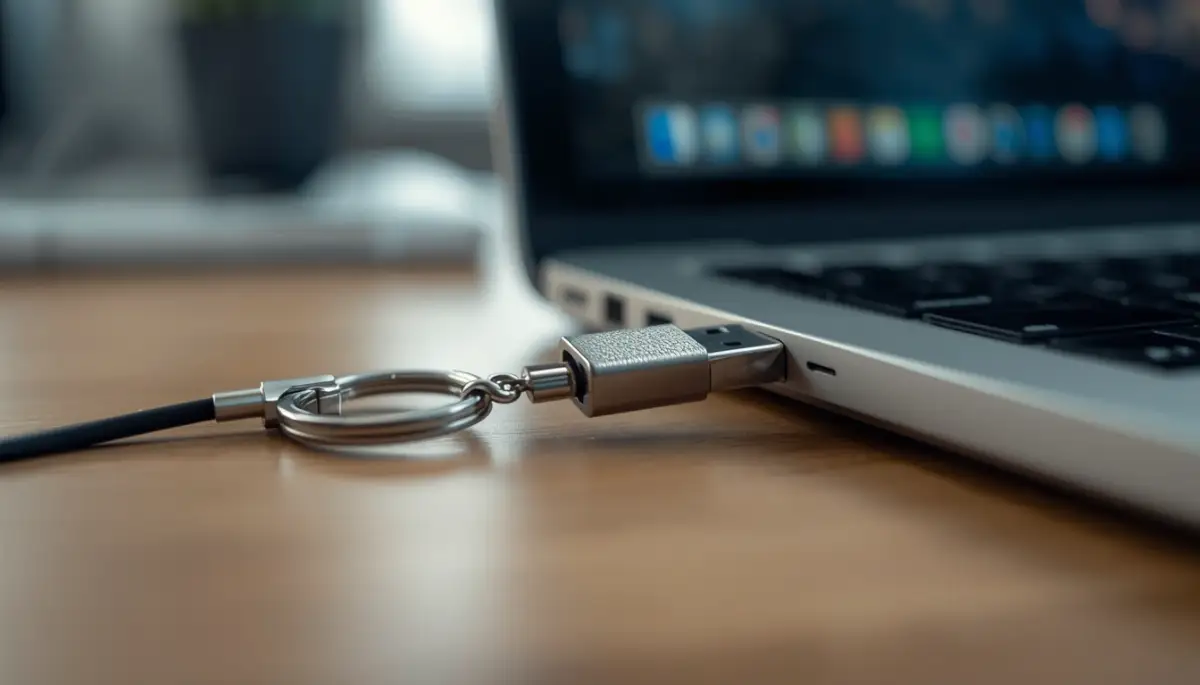
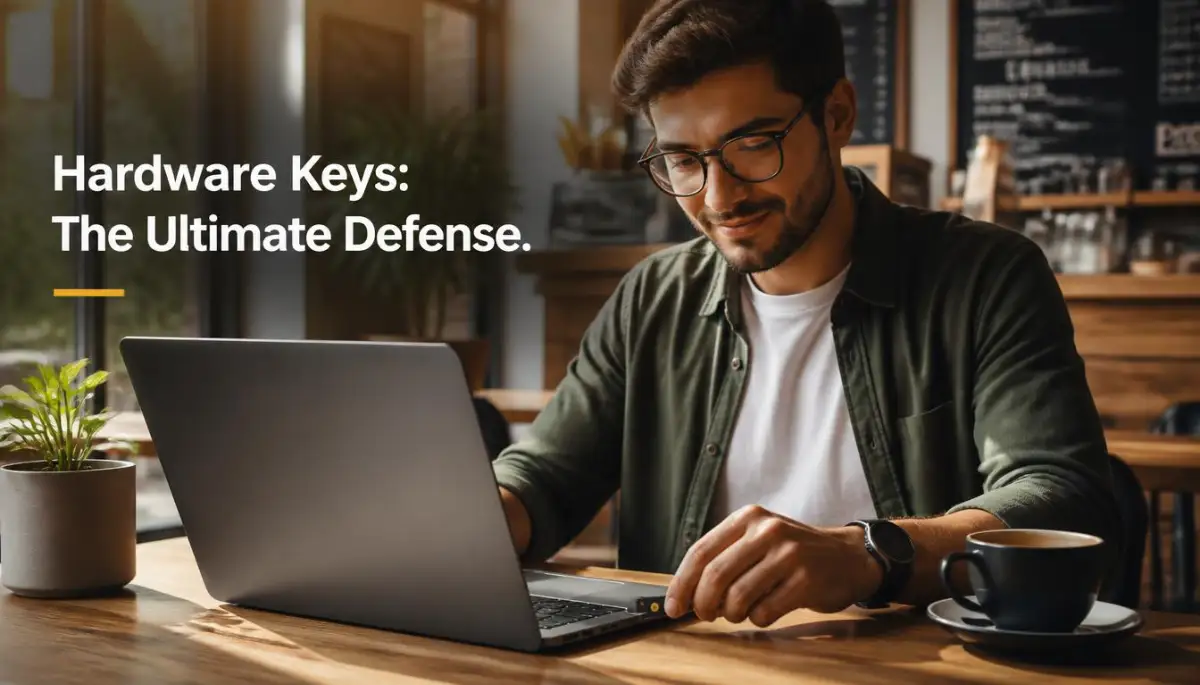
If you want the absolute highest level of protection available to the public, you need to purchase a hardware security key. These are tiny, physical USB devices that fit perfectly on your keychain.
Brands like YubiKey or Google Titan operate on a highly advanced security standard called FIDO. When you log into an account, you must physically plug the key into your computer and tap a small gold button.
This completely eliminates the threat of remote hackers across the globe. Even if a criminal steals your password and tricks you into visiting a perfect phishing website, the hardware key is incredibly smart.
Fact: A basic YubiKey costs around $25 to $30, less than most people spend on a nice dinner. You plug it in once during setup, and after that, logging in takes the same one-second tap every single time.
The key mathematically verifies the hidden URL of the website before releasing the security token. If the URL is fake, the key simply refuses to work.
This physical barrier turns a vulnerable, stressful login process into an absolute digital fortress. Taking the time to upgrade from text messages to physical keys is the smartest investment you can make for your personal privacy.
Elevating Your Security Strategy Beyond the Basics
Upgrading to an authenticator app or a hardware key is an incredible leap forward, but your digital safety journey does not stop there. Professional security analysts treat account protection like an active, breathing system that needs occasional checkups.
You need to establish a few specific habits to ensure your new defenses remain completely impenetrable over time. Let's look at the hidden strategies that the experts use to stay invisible to modern cyber threats.
These are not highly technical coding tricks; they are simple, powerful daily routines that you can start using right now.
Conducting a Session Sweep
One of the most powerful habits you can develop is called a "Session Sweep." When you log into your email on a public computer or a borrowed tablet, that device usually remembers you.
If you forget to manually log out, the session cookie remains fully active, completely bypassing your 2FA the next time someone opens the browser. To fix this, you must routinely force your accounts to forget old devices.
Most major platforms have a "Security" tab where you can view every single active session currently connected to your profile. If you see a device you do not recognize, simply click "Log Out Everywhere" to instantly kill the connection and lock the hackers out.
If you want to understand how these background connections can sometimes fail or timeout on their own, learning what your server is trying to tell you during a 502 error can give you a great technical perspective.
The Power of Email Aliases
Hackers cannot try to steal your two-factor codes if they do not even know your actual login username. Many people use the exact same primary email address for their banking, their social media, and random online shopping sites.
If an old shoe store website suffers a data breach, your primary email address is instantly added to a dark web target list. To mask your true identity, start using email alias services.
These tools generate a random, fake email address that automatically forwards messages to your real inbox. If a hacker tries to launch a phishing attack against the fake alias, it goes nowhere because it is not tied to your actual bank account.
According to privacy experts at the Electronic Frontier Foundation (EFF), separating your financial logins from your public communication channels is one of the smartest ways to reduce your attack surface.
Preparing Your Backup Codes Correctly
When you transition to using an authenticator app or a hardware key, the website will usually give you a list of ten emergency backup codes. These codes are your absolute last resort if you drop your phone in a lake or lose your physical key.
Many people make the terrible mistake of saving these codes in a plain text file on their desktop. If you store your emergency codes digitally, you are basically leaving a spare key directly under your welcome mat.
You must print these codes out on a physical piece of paper and lock them inside a fireproof safe at your house. Alternatively, you can store them inside a highly secure digital vault, provided you choose tools a completely encrypted solution instead.
The Hidden Traps That Ruin Your Upgrades
Even when people make the smart choice to upgrade their security, they often fall into predictable emotional traps. They buy the right tools but use them in ways that completely destroy their effectiveness.
Hackers actively count on human laziness and confusion to bypass these expensive upgrades. Let's look at the most severe mistakes people make so you can avoid handing your accounts directly back to the criminals.
The Single Point of Failure Mistake
The most heartbreaking mistake occurs when someone sets up an amazing authenticator app, but then fails to secure the actual phone it lives on. If you do not have a strong passcode or biometric lock on your smartphone, your 2FA app is completely useless.
If your phone gets stolen at a coffee shop, the thief can simply open the app and read all your live codes immediately. Your smartphone must be treated exactly like a physical bank vault.
Set your screen to lock automatically after thirty seconds of inactivity, and never use a simple pattern lock that someone can guess by looking over your shoulder. If your device starts running unusually slow or freezing, you should treat that as a warning sign and run a full security scan to rule out spyware.
Falling for the "Trusted Device" Trap
When you log into an account, a small checkbox often appears asking, "Trust this device for 30 days?" In a rush to save time, millions of people automatically click that box without thinking.
By clicking that box, you are telling the system to completely turn off your two-factor authentication for an entire month on that specific machine. If that laptop is stolen, or if a roommate borrows it, they have instant, unverified access to your private life.
Never click the "Trust this device" box on a work computer, a shared family iPad, or any machine that leaves your house. You should only ever trust a desktop computer that sits permanently inside a locked room in your own home.
Ignoring the Update Warnings
Security tools are only effective if they are running the latest software patches. Hackers constantly look for tiny flaws in the code of popular authenticator apps.
When a flaw is discovered, the app developers immediately push out a security update to fix the hole. If you constantly delay your software updates, you are leaving your digital front door wide open.
You really need to stop postponing those updates to fully grasp how quickly criminals exploit old software. Allow your security apps to update automatically overnight so you always wake up with the strongest possible armor.
Connecting Through Unsafe Networks
You can have the best hardware key in the world, but if you connect to your bank through a shady public Wi-Fi network, you are still at risk. Hackers often set up fake, free Wi-Fi networks at airports and hotels to silently intercept your web traffic.
They use software to grab your session cookies the exact moment your hardware key grants you access. If you travel frequently, you should also be incredibly careful about where you plug in your devices, as learning how juice jacking explained how hackers steal your data at public charging stations can save you from a massive hardware breach.
Always use a reputable Virtual Private Network (VPN) when logging into sensitive accounts away from home.
Common Questions About Advanced Security
Do authenticator apps need an active internet connection to work?
No, the best part about authenticator apps is that they generate your six-digit codes entirely offline using time-based math. You can get your security codes even if you are on an airplane or have zero cellular service.
What actually happens if I lose my physical hardware key?
If you lose your hardware key, you will need to use the physical backup codes you printed out during setup to regain access. This is why security experts strongly recommend buying two hardware keys—one for your keychain and one to lock in a safe as a backup.
Can a hacker bypass a hardware key with a phishing email?
No, that is the primary superpower of a hardware key. The physical key mathematically checks the website's hidden address, and if it detects a fake phishing site, it completely refuses to release your login token.
Should I delete my phone number from my accounts completely?
Yes, if a website allows you to use an authenticator app, you should actively go into the settings and delete your phone number. Leaving your number attached gives hackers a backdoor option to use SMS recovery if they cannot beat your app.
Is it safe to back up my authenticator app to the cloud?
Many modern apps offer cloud backups so you do not lose your codes if you break your phone. This is generally safe, provided that your main cloud account (like Apple iCloud or Google Drive) is heavily protected by its own strong two-factor authentication.
Your Blueprint for True Digital Peace
You now possess the exact knowledge needed to outsmart the most common and devastating cyberattacks happening today. You understand that relying on a simple text message is basically handing criminals the keys to your life on a silver platter.
You no longer have to live with that suffocating anxiety, wondering if your bank account will be empty the next time you log in. Your digital identity is incredibly valuable, and you absolutely deserve to feel safe when you browse the internet.
By taking just a few minutes to remove your phone number and link an authenticator app, you instantly build a massive wall around your private life.
I know that changing your security habits feels a bit annoying and time-consuming at first. But the deep, restful peace of mind you get knowing that your family's data is completely locked down is truly priceless. Delete those SMS settings today, order a physical hardware key, and take permanent control of your digital destiny!
Disclaimer: The information provided in this article is for educational and informational cybersecurity purposes only. It should not be considered professional IT or legal advice. Cyber threats evolve rapidly, and readers should always exercise caution and consult with certified cybersecurity professionals regarding their specific data protection needs.