The Sticky Note Disaster: A Hard Lesson in Security
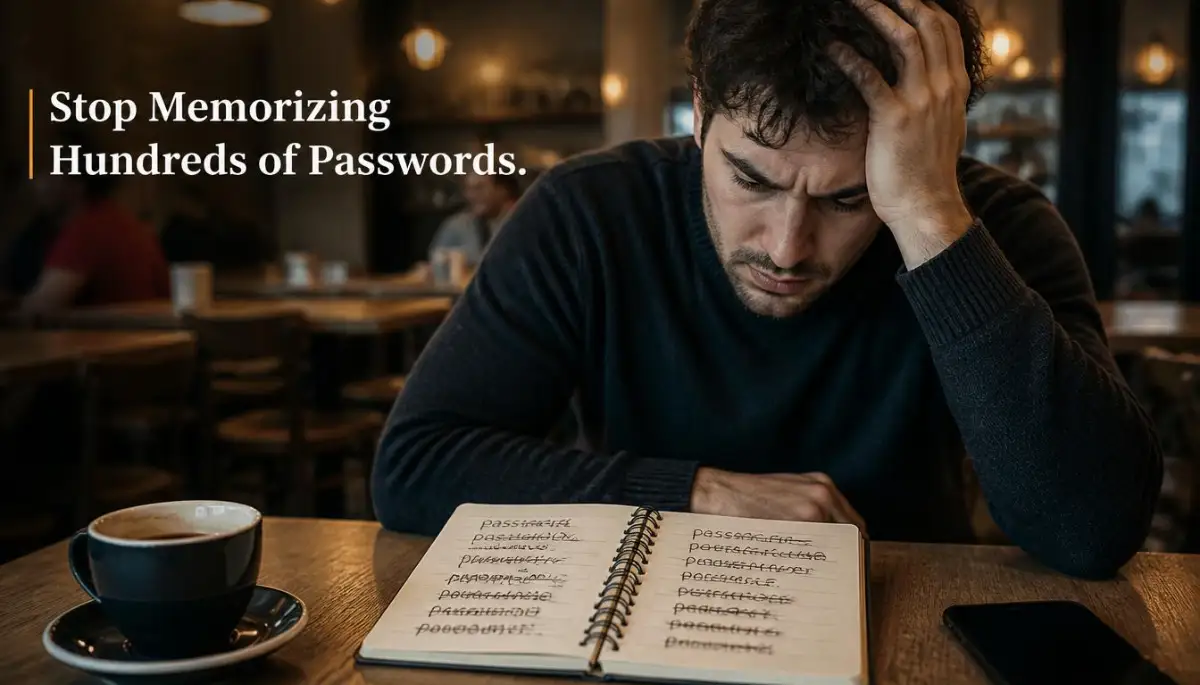
I used to think I was pretty smart about my online security. I had one "super strong" password that I proudly used for absolutely everything—my bank, my social media, and my favorite pizza delivery app. I even kept a yellow sticky note hidden under my keyboard with a few variations just in case I forgot.
Then, one Tuesday morning, my entire digital life crashed down around me. I received a frantic text from a friend asking why I was sending them strange crypto links on social media.
My heart completely dropped when I tried to log in to my email and saw the terrifying "incorrect password" message. A random online shoe store I used three years ago had suffered a data breach, and hackers simply took that one password and tried it everywhere else.
I spent four agonizing days locked out of my own life, calling customer service lines, and verifying my identity with old utility bills. The stress was absolutely overwhelming, and the panic of wondering if they had reached my bank account kept me awake at night.
Millions of people live with this exact same anxiety every single day. You probably have at least eighty different online accounts, and your brain simply cannot remember eighty unique, complex strings of random letters.
So, you do what everyone does: you take the easy way out and reuse the exact same password everywhere. You tell yourself that nobody cares about your boring email account.
But hackers do not care if you are famous or rich; they use automated software to test millions of stolen passwords every single second.
The mental exhaustion of constantly resetting forgotten passwords is bad enough, but the fear of losing your digital identity is so much worse. You know you need a better system, but handing all your secrets over to a single piece of software feels incredibly scary. Let us break down exactly how this technology works behind the scenes so you can finally stop worrying.
Quick Summary: Why You Need a Digital Vault
- One Password to Rule Them All: You only need to remember one single, strong Master Password. The software remembers the other ninety-nine for you.
- Military-Grade Scrambling: Your passwords are encrypted into unreadable gibberish before they ever leave your device.
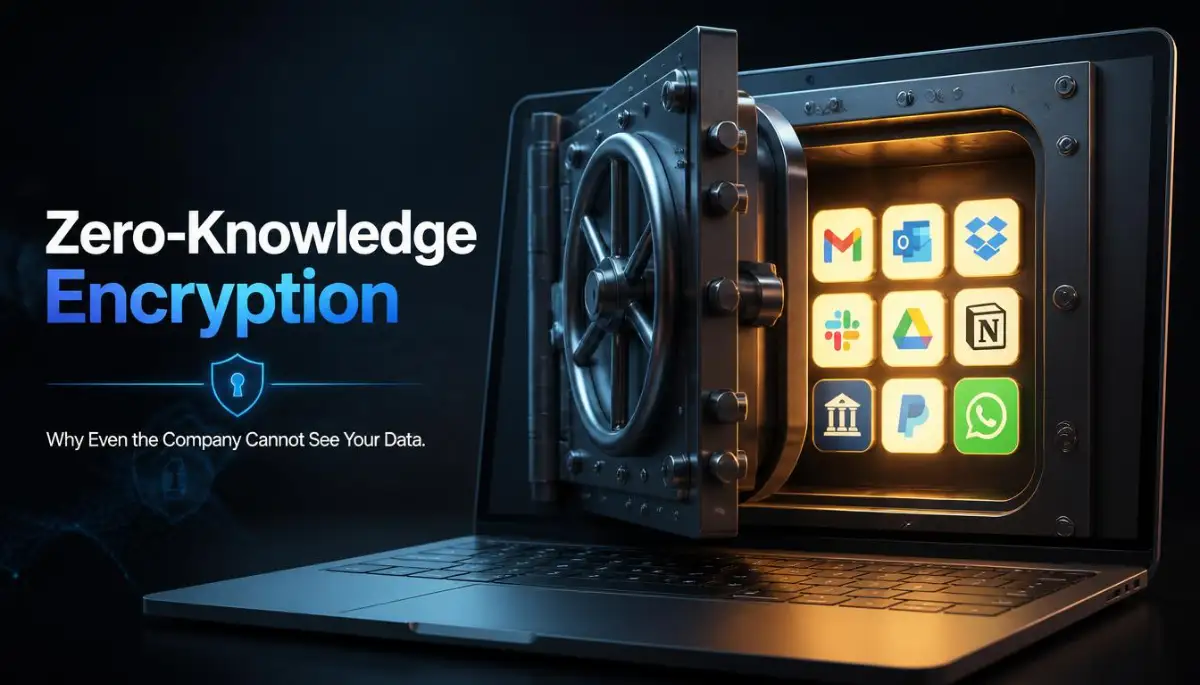
- The "Zero-Knowledge" Promise: The company that makes the software cannot see, read, or access your passwords, even if they want to.
- Instant Hacking Defense: If a fake phishing website tries to steal your login, the manager simply refuses to autofill your details.
Before You Scroll Further, Remember This
- You only need to remember one strong Master Password — the manager handles the rest
- Even the company that builds the software can't see what's inside your vault
- A random generated password can take longer than the universe's age to crack
- Turn on 2FA the same day you set up your manager, not "eventually"
Demystifying the Magic Behind the Master Key
To properly trust a piece of security software, you need to understand exactly what happens when you type in your details. A password manager is not just a digital notebook stored on a random server somewhere.
It is actually a highly sophisticated, mathematical fortress designed to keep everyone out—including the people who built it. Let's look at the actual mechanics of how your data stays hidden from the rest of the internet.
The Power of Local Encryption
The biggest fear people have is that if the password manager company gets hacked, all their accounts will instantly be stolen. This fear makes total sense on the surface, but it ignores how modern encryption actually works.
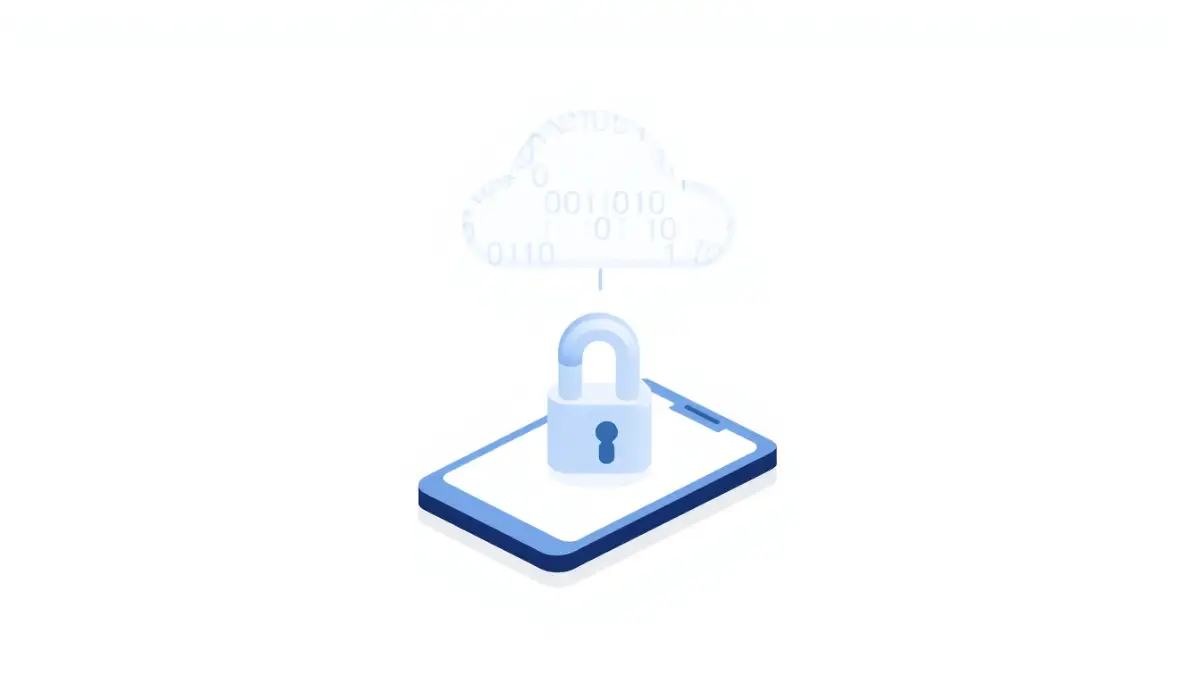
When you type a new password into your manager, the software does not just send plain text over the internet. Before your data ever leaves your smartphone or laptop, it is mathematically scrambled into a completely unreadable block of code.
This scrambling process happens locally, right on your physical device. The code is locked using your Master Password, which acts as the only physical key that can untangle the math.
Quick Question: What if someone's watching my Wi-Fi?
Doesn't matter. Your password gets scrambled before it ever touches your Wi-Fi signal. Someone sniffing the network sees the same useless jumble a hacker would get from breaking into the server itself.
If a hacker intercepts the data while it travels through the air, all they get is a useless string of random symbols.
Understanding the Zero-Knowledge Architecture
The most critical feature of any reputable security tool is something called "Zero-Knowledge Architecture." This is a fancy industry term with a very simple, powerful meaning.
It means that the company hosting your digital vault has absolutely zero knowledge of what is inside it. They do not know your Master Password, and they do not store a copy of it anywhere on their servers.
Because they do not have your specific key, they cannot unlock your scrambled data. If a massive cyberattack hits the company's main servers, the hackers will only find millions of locked, unreadable vaults.
Even if law enforcement showed up with a warrant demanding to see your passwords, the company simply could not comply because they physically do not have access.
My Personal Struggle with Password Fatigue
I honestly fought against using a manager for years because I thought it would slow me down. I told myself that typing my details manually was faster than learning a new piece of software.
My biggest mistake was underestimating just how much daily brainpower I was wasting trying to remember which variation of my password I used for which site.
Once I finally installed a manager browser extension, it was like a massive weight lifted off my shoulders. I realized I was suffering from severe password fatigue, and the simple joy of clicking one button to log into my bank was entirely life-changing. Do not let the initial ten-minute setup process stop you from securing your peace of mind.
If you are still wondering exactly how hackers steal those reused passwords in the first place, watch this brilliant, short video that explains the dark web data market perfectly.
How Auto-Fill Defeats Phishing Scams
Password managers do much more than just remember complex words; they actively protect you from your own human errors. One of the most common ways hackers steal accounts is through phishing emails.
They will send you an urgent email that looks exactly like it came from your bank, asking you to log in immediately. If you click the link, it takes you to a fake website that looks identical to the real thing.
If you type your password manually, you just handed it directly to a criminal. However, your password manager is completely immune to visual tricks.
The software looks at the actual hidden website code (the URL), not the pretty colors on the screen. If the hidden website address does not perfectly match your real bank, the manager will completely refuse to auto-fill your password. This silent feature alone stops thousands of identity thefts every single day.
Myth vs. Reality: The Fear of the Single Vault
It is completely normal to feel nervous about putting all your digital eggs in one basket. Let's look at the common fears people have and compare them to how the technology actually operates.
Generating Uncrackable Combinations
Humans are terrible at creating random patterns. When a website forces us to use a special character and a number, we usually just add an exclamation point and a "1" to the end of our dog's name.
Hackers know this exact psychological trick, and their software can guess these simple variations in less than three seconds. A good password manager includes a built-in generator that creates genuinely random, chaotic strings of text.
Instead of "Fluffy123!", your manager will generate something like "xK9#mP2$vLq8". This type of complex string is mathematically uncrackable by modern computers.
Here's why that random string matters so much. Security researchers estimate a password under 12 characters can fall to modern cracking hardware in under an hour. A string like the one above would take a normal computer longer than the age of the universe to guess by brute force alone.
The best part is that you never actually have to look at or type that crazy combination yourself; the software handles it entirely in the background.
The Dangers of Browser-Based Saving
You might be thinking, "Why do I need a special app when Google Chrome or Safari already asks to save my passwords?" While browser-based saving is slightly better than sticky notes, it is not a true, secure vault.
Browser managers are often tied directly to your computer's main user account. If someone borrows your laptop to check their email, or if a piece of malware infects your browser, your saved passwords are often completely exposed.
Browser-based saving might feel convenient, but it ties your passwords directly to whatever device you're logged into, and that's a much bigger risk than most people realize.
Furthermore, if you use Chrome at work but have an iPhone for personal use, your passwords will not easily sync between the two different ecosystems. A dedicated, independent password manager works flawlessly across every single device, browser, and operating system you own.
Pro-Level Secrets to Bulletproof Your Vault
Getting a password manager is an amazing first step, but how you actually use it determines your true level of security. Professional cybersecurity experts do not just stop at generating long passwords.
They use a layered approach that makes their digital life completely impenetrable to outside attacks. Let's explore some advanced, highly effective routines that will make your personal data practically invisible to cybercriminals.
These daily habits do not require complex technical skills or a degree in computer science. They just require a small shift in how you think about your daily online habits.
Locking Down Your Master Key
The entire security of your vault relies entirely on the strength of your one Master Password. If a hacker guesses this single phrase, they instantly gain access to your entire digital life.
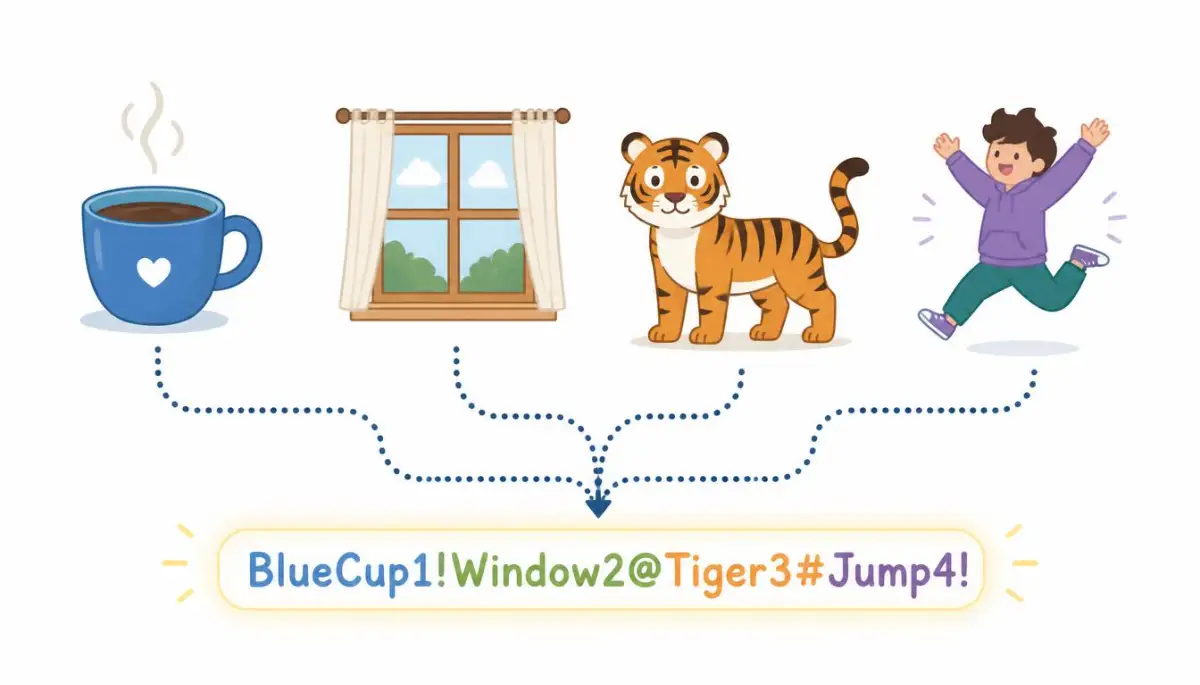
Never use a single word, your birth year, or the name of your pet as your master key. Instead, you need to create a "passphrase"—a sequence of four or five completely random words strung together.
For example, a phrase like "BlueCoffeeWindowTigerJump" is mathematically impossible for a computer to guess quickly. Yet, it is incredibly easy for your human brain to memorize by visualizing a tiger jumping through a blue window with coffee.
The Magic of Two-Factor Authentication (2FA)
Even with an incredibly strong passphrase, you still need a backup safety net. This is where Two-Factor Authentication (2FA) becomes absolutely necessary.
You must enable 2FA on your password manager account the very first day you set it up. This means that even if a hacker perfectly guesses your Master Password, they still cannot open your vault.
They would also need physical access to your specific smartphone to enter the temporary six-digit code. This simple extra step stops ninety-nine percent of remote hacking attempts dead in their tracks.
According to security researchers at the Cybersecurity and Infrastructure Security Agency (CISA), pairing a manager with strong 2FA is the most effective defense against modern identity theft.
Separating Work and Personal Data
If your employer provides you with a corporate password manager, it is highly tempting to save your personal bank details in the same vault. This is a massive privacy risk that many people completely ignore.
Your company's IT department often retains administrative control over corporate accounts. If you leave the company or get locked out of your work email, you might instantly lose access to all your personal passwords.
This completely isolates your private information from corporate oversight and any unexpected lockouts at the office.
Scheduling a Digital Spring Cleaning
Your digital life gets incredibly messy over the years. You probably have dozens of accounts on websites you haven't visited in over a decade.
These abandoned accounts are massive security liabilities because old websites rarely update their internal security software. Once every six months, scroll through your vault and actively delete accounts you no longer use.
If you find a website that still uses a terrible, old password you made in college, take two minutes to let the manager generate a new, secure one. This small, consistent habit shrinks your overall attack surface beautifully.
The Hidden Traps That Compromise Your Vault
Even with the best tools available, human error is always the weakest link in any security chain. People often buy a premium password manager but then completely ruin its effectiveness by making terrible emotional choices.
Let's break down the most severe, real-world mistakes people make when trying to secure their accounts. Avoiding these specific pitfalls will ensure your vault remains a fortress rather than a fragile glass box.
The Danger of the "Easy" Master Password
The most heartbreaking mistake I see is when someone sets up a beautiful, encrypted vault and then locks it with "Password123!" because they are afraid of forgetting it. They completely defeat the entire purpose of the software.
If your Master Password is weak, you have essentially put a cheap plastic lock on a titanium bank vault. Hackers use automated dictionaries that can crack these simple words in a fraction of a second.
You must push through the temporary discomfort of memorizing a long, random passphrase. The slight mental effort is absolutely nothing compared to the nightmare of having your identity stolen.
Ignoring the Software Update Notifications
Just like any other software on your computer, your password manager requires constant maintenance. When the company discovers a new hacking technique, they immediately release a software patch to block it.
If you constantly click "remind me tomorrow" on these updates, you are leaving your vault incredibly vulnerable. Old software versions are exactly where hackers look first, since those are the gaps already known and easy to exploit.
Never ignore an update for your security tools. Always let your manager update automatically in the background to ensure you have the latest defensive shields in place.
Falling for the Fake Vault Login Screen
Cybercriminals know that password managers are incredibly popular, so they have started creating highly sophisticated traps. They will send you an email claiming your vault is locked and ask you to log in immediately.
The link takes you to a fake webpage that looks exactly like your manager's login screen. If you type your Master Password into this fake site, the hackers instantly gain access to your entire life.
Never click links in emails regarding your security software. Always open a fresh browser window and manually type the company's address to check your account status.
This simple habit protects you from the most advanced social engineering tricks on the internet.
Storing the Master Key Digitally
In a desperate attempt not to forget their long passphrase, some people type it into a digital sticky note or save it in an unencrypted Word document on their desktop. This is exactly like hiding your house key under a giant, glowing neon sign.
If your computer gets infected with simple malware, that plain text document is the very first thing hackers will steal. Your Master Password should only exist inside your own human brain.
If you absolutely must write it down while you are memorizing it, write it on a physical piece of paper and hide it in a secure fireproof safe at home. Never let your master key touch a digital, unencrypted surface.
Common Questions About Digital Vaults
What happens if I completely forget my Master Password?
If you forget your master key, the company usually cannot recover your data because of zero-knowledge encryption. You will have to reset the account and start over, which is why memorizing a strong passphrase is so important.
Do password managers work on both my phone and my laptop?
Yes, reputable managers sync your encrypted vault securely across all your devices via the cloud. You can instantly access your passwords whether you are using a Mac, a Windows PC, or an Android phone.
Can a virus on my computer steal my passwords while the vault is open?
If your computer is severely infected with advanced spyware or a keylogger, it is possible for hackers to capture data while your vault is actively unlocked. This is why keeping your computer's antivirus software updated is still incredibly important.
Is it safe to store my credit card numbers inside the manager?
Yes, storing credit cards in your encrypted vault is significantly safer than letting random shopping websites save your payment details. The manager will securely auto-fill your card numbers only when you are on a verified checkout page.
Why do some password managers cost money while others are free?
Free versions usually restrict you to a single device or limit how many passwords you can save. Paid versions offer cloud syncing across unlimited devices, advanced two-factor authentication, and priority customer support for a few dollars a month.
Your Final Checklist for Total Digital Peace
You now have a deep, practical understanding of how this incredible technology actually protects you behind the scenes. The fear of handing your data over to a software company is completely natural, but you now know that zero-knowledge encryption keeps your secrets perfectly safe.
You no longer have to rely on a messy notebook or risk your identity by using the same weak password everywhere. Your brain was meant for creativity and problem-solving, not for memorizing eighty different combinations of numbers and symbols.
By setting up a manager and creating one unbreakable passphrase, you instantly neutralize the biggest threats on the internet.
I know that changing your daily digital habits can feel a little intimidating at first. But the absolute relief you feel when you never have to click "Forgot Password" again is truly life-changing. Take control of your security today, download a reputable manager, and finally give yourself the gift of a worry-free digital life!
Disclaimer: The information provided in this article is for educational and informational cybersecurity purposes only. It should not be considered professional IT or legal advice. Cyber threats evolve rapidly, and readers should always exercise caution and consult with certified cybersecurity professionals regarding their specific data protection needs.