
The Moment My Digital Safe Broke Open
Here's something most people never think about: that "free" 15GB of cloud storage isn't really free. You're paying with your data, whether you realize it or not. I found this out the hard way after a login alert from a country I've never visited showed up in my inbox. What I learned afterward changed how I store every private file I own.
Before You Read On, Remember This
- Free cloud storage often means your files get scanned to build advertising profiles.
- Most providers hold the encryption key themselves, so their breach becomes your breach.
- Encrypting sensitive files before upload keeps them unreadable, even to the host company.
- A hardware security key blocks account takeovers even if your password gets stolen.
Decoding the Business Model of "Free" Storage
To properly defend your online identity, you have to understand why these massive server farms exist in the first place. Storing millions of terabytes of data requires giant, physical warehouses filled with extremely expensive computers.
These massive buildings require intense air conditioning, endless electricity, and thousands of highly paid engineers to keep them running. It costs these tech giants billions of dollars a year to operate these data centers.
When a company offers you fifteen gigabytes of space for zero dollars, they are not doing it out of kindness. They have a highly profitable business model running quietly in the background. The uncomfortable truth is that your data is the actual currency paying for that server space.
The Invisible Document Scanners
When you upload a file to a free drive, you probably think it just sits there quietly on a digital shelf. In reality, most free cloud platforms use highly advanced Optical Character Recognition (OCR) technology.
These invisible software robots aggressively scan every single document and photo you upload. If you upload a PDF of your recent doctor's visit, the algorithm reads the text to learn about your health conditions.
If you upload pictures of your new puppy, the software analyzes the image and tags you as a new pet owner. The company takes all these tiny data points and builds a massive, highly accurate profile of your spending habits and personal fears. They then use this exact profile to sell highly targeted advertising space to other massive corporations.
The Danger of the Shared Server Space
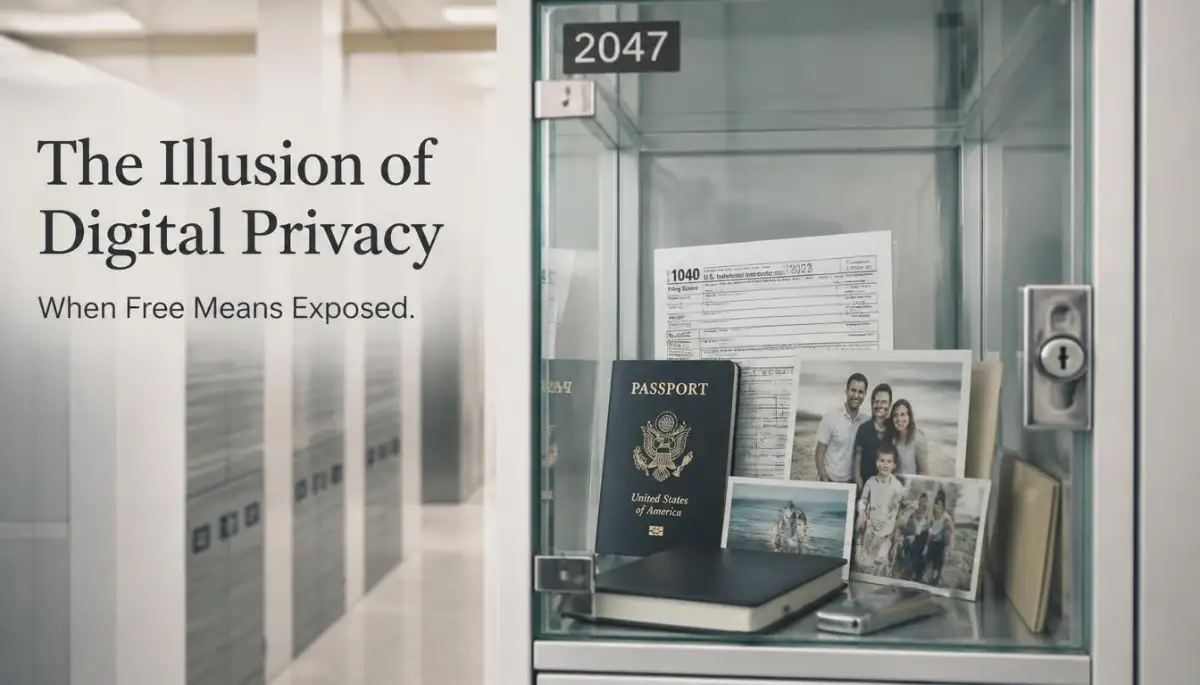
You might imagine your cloud storage as a private, metal safe deposit box with your name engraved on it. Unfortunately, free cloud architecture looks absolutely nothing like a private bank vault.
You are actually sharing a massive digital room with millions of other strangers. Your private tax returns are sitting on the exact same physical hard drive as thousands of other random accounts.
The software simply builds an invisible, logical wall between your files and your neighbor's files. If a smart hacker finds a tiny crack in that shared software wall, they can easily reach across the barrier and grab your documents. Because the files are stored so closely together, a single server breach often exposes thousands of innocent users at the exact same time.
My absolute biggest mistake early on was treating my free cloud drive like a secure permanent archive for my business passwords. I literally kept an open text file named "Master Passwords" sitting right there next to my family vacation photos. I realized much later that any rogue employee at the hosting company could have easily opened that specific file without triggering any security alarms on my end.
Before we look at the specific encryption flaws, watch this highly educational breakdown showing exactly how cloud servers store your data behind the scenes.
The Master Key Flaw (Server-Side Encryption)
Whenever you express concern about privacy, these big tech companies quickly point to their shiny "encryption" policies. They will loudly advertise that your files are encrypted both "in transit" and "at rest."
This marketing language sounds incredibly secure, but it hides a massive loophole. Most free platforms use something called Server-Side Encryption.
This means the company puts a heavy padlock on your files, but the company also keeps the only copy of the key. Imagine renting a public storage unit for your expensive jewelry, but the facility manager demands to hold your only key.
If a government agency sends them a legal request, they simply use their master key to open your files and hand them over. If a hacker manages to steal the company's internal master keys, your personal padlock becomes completely useless.
Myth: "Two-factor authentication alone makes my cloud account unbreakable." Fact: 2FA stops most casual attackers, but it does nothing if the provider itself gets breached at the server level. That's why encrypting the file itself, not just locking the account, is the step most people skip.
Interactive Markdown Table: The Reality of Cloud Security
It is incredibly easy to get confused by all the different tech companies promising you total security. Let us look at a clear comparison between standard free storage and truly secure storage options.
Building Your Unbreakable Digital Armor
Now that you understand the hidden business model, it is time to drastically change your daily habits. You do not have to completely delete your free cloud accounts and go back to using physical floppy disks.
You can still use these incredibly convenient platforms, but you have to force them to respect your privacy. We are going to walk through the exact steps you need to take to build an impenetrable wall around your sensitive documents.
Step 1: Sorting the Public from the Private
The very first step is to perform a strict audit of what currently lives inside your free folders. You need to mentally divide your digital life into two completely separate categories.
Category one is for harmless, public information like school study guides, blank spreadsheet templates, or pictures of your garden. These completely harmless files are perfectly fine to leave on a standard free cloud server.
Category two is your highly sensitive data. This includes anything related to your finances, your legal identity, medical records, or confidential business strategies. You must immediately pull every single item in category two completely off the free cloud and store it locally on your computer.
Not sure what counts as "sensitive"? Ask yourself one question: would I be upset if a stranger read this out loud? Passport scans, bank statements, medical records, and signed contracts all pass that test immediately. Vacation photos and grocery lists usually don't.
Step 2: The Pre-Encryption Shield
If you absolutely must put sensitive documents into a free cloud drive, you have to lock them up before they ever leave your laptop. This process is known as client-side encryption.
You can use highly trusted, open-source software tools to create a secure, password-protected folder directly on your desktop. You simply drop your private tax returns into this special folder, and the software scrambles the files into pure mathematical gibberish.
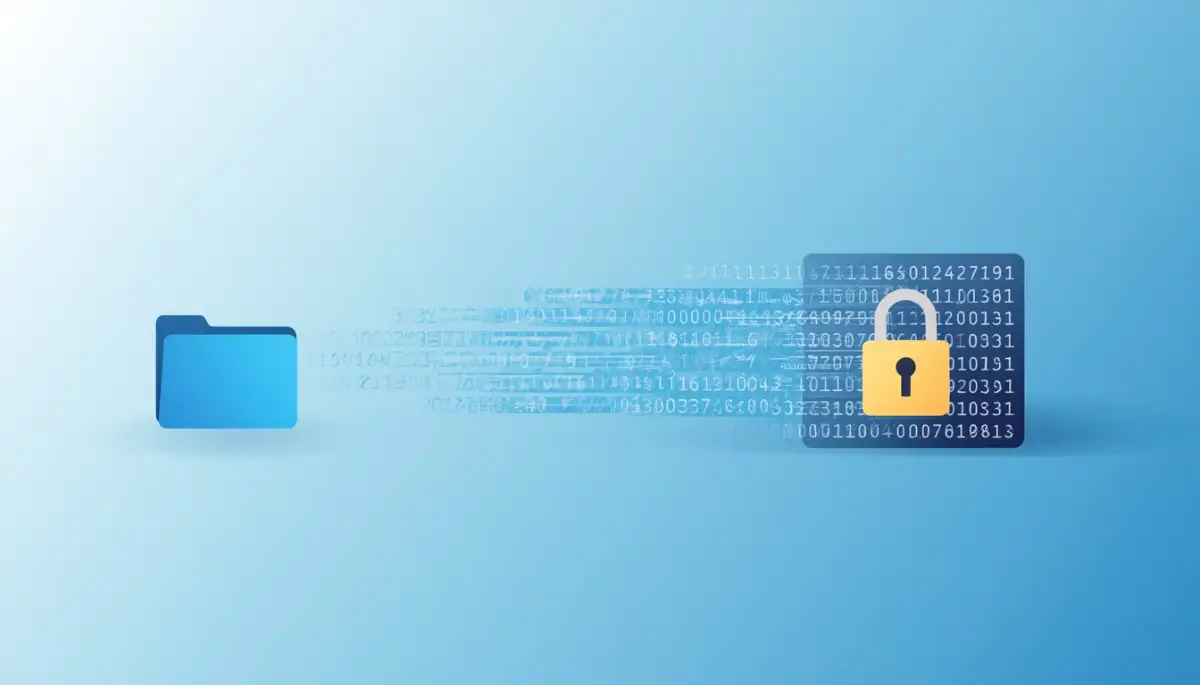
Once the files are totally scrambled and locked, you then upload that locked folder into your free cloud drive. When the cloud company's automated algorithms try to scan your documents, they will only see a solid wall of meaningless symbols. Because you never gave the cloud company your password, they are physically unable to read your data or scan it for advertising.
Step 3: Upgrading to Zero-Knowledge Providers
If manually encrypting your files sounds like too much daily work, you need to change your service provider. There is a very specific class of cloud storage companies built entirely around human privacy.
These specialized platforms proudly offer "Zero-Knowledge" encryption right out of the box. When you use a zero-knowledge service, your files are automatically scrambled on your computer before they ever travel through the internet.
The company never receives your password, meaning they legally and mathematically cannot see what you store on their servers. These premium services usually cost a few dollars a month, but that tiny fee is what keeps you from becoming the product. When you pay for storage with real money, you no longer have to pay with your personal privacy.
Step 4: Activating the Hardware Security Key
Even if your files are beautifully encrypted, a hacker can still cause massive damage if they guess your main account password. They might not be able to read your scrambled files, but they can easily delete them forever just to cause chaos.
To stop remote account takeovers completely, you must move away from standard text message verification. Instead, you should invest in a physical hardware security key.
This is a tiny USB device that you plug directly into your laptop when you want to log into your cloud account. Even if a hacker perfectly guesses your password from across the globe, they cannot enter the account without physically holding that specific USB key in their hands. It is the absolute strongest defense you can possibly add to your daily digital routine.

Your Daily Blueprint for Digital Safety
You now know exactly why that "free" storage folder was never really free. The good news is you don't have to abandon convenience to stay safe. A few small habit changes, like encrypting files before upload and adding a hardware key, close most of the doors hackers rely on. Start with just one step today, and build from there.
Disclaimer: The information provided in this article is for educational and informational cybersecurity awareness purposes only. It should not be considered professional IT, legal, or direct data administration advice. Cloud storage providers and encryption tools vary greatly, and you should always carefully review and consult a certified cybersecurity professional before making major changes to your digital storage or financial planning.


