
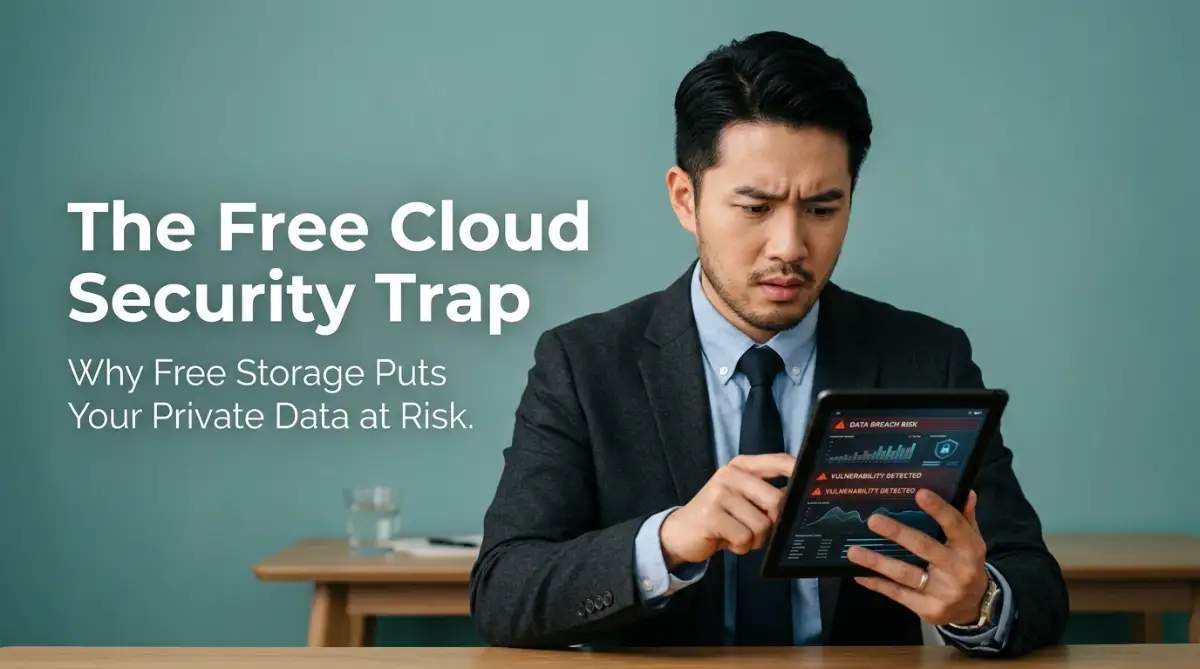
The Invisible Open Door: Why Your Private Files are Safe on Paper but Exposed Online
Most people trust free cloud storage the same way they trust a bank vault, but the two work nothing alike. One is built with your safety as the priority. The other is built to keep you clicking, sharing, and storing more, whether that's safe for you or not. Once you see the gap between those two goals, you'll never look at your "Upload" button the same way again
You tell yourself that your files are completely safe because a massive tech company owns the servers.
But one morning, you open your email and see a notification about an unauthorized login attempt on your account from another country.
Suddenly, a cold, heavy feeling of panic settles in your chest.
The mental exhaustion of wondering if your private documents have been downloaded is incredibly draining.
You find yourself staring at your screen, wishing you had never traded your digital safety for the sake of temporary convenience.
Let us look at the cold, hard facts behind this system so you can protect your private data from these quiet security leaks.

Quick Takeaways Before You Start
- Free cloud providers usually hold your encryption keys, not you, so "strong password" alone doesn't fully protect your files.
- "Deleted" files often stay on backup servers for weeks or months after you hit delete.
- Local encrypted containers (like VeraCrypt) give you full control with zero monthly cost.
- Hardware-based two-factor authentication beats SMS codes, which can be intercepted through SIM-swapping.
Unmasking the Free Vault: Deciphering the Vulnerabilities of Public Clouds
To understand why free cloud storage is a dangerous place for sensitive files, we have to look at how these platforms are built.

Before we break down exactly how these free storage systems put your private data at risk, watch this short video that clearly explains the hidden dangers of public clouds. It is a real eye-opener that will completely change how you view your online folders and make the safety steps below much easier to follow!
Lenders and financial institutions use highly secure networks to protect private customer transactions.
Free cloud drives, on the other hand, are designed for public file sharing and casual storage, not for securing highly sensitive digital assets.
The Myth of "Military-Grade" Encryption
Most free cloud services use a marketing term called "military-grade encryption" to make you feel safe.
While the mathematical encryption itself is indeed strong, the real danger lies in who actually holds the keys to unlock your files.
With standard free cloud storage, the service provider holds the decryption keys on their own servers.
This means that if their system is breached, or if an employee with bad intentions accesses their database, your files can be opened and read easily.
It is like buying a high-tech physical safe for your home, but leaving a duplicate copy of the key with the store where you bought it.
To achieve real security, you must use tools that offer client-side, zero-knowledge encryption, where only you hold the key.
Here's a number worth remembering: most zero-knowledge cloud services cost between $3 and $8 a month for 100GB. Compare that to the cost of dealing with identity theft, which the FTC has clocked at an average of over 100 hours of personal time to resolve. That small monthly fee starts to look like cheap insurance, not an extra expense.
Myth vs. Reality: Free Cloud Security
The Silent Data Scrapers
Many free cloud providers have clauses in their terms of service that allow automated systems to scan your files.
This scanning is often used to optimize their search algorithms, identify duplicate files, or even build target profiles for advertising.
This means that automated software is actively reading your scanned documents, personal notes, and private files behind the scenes.
Your personal information is being converted into digital data points to help other companies understand your daily habits.
Never trade your long-term privacy for the sake of saving a few dollars on storage space.
A friend of mine found out the hard way. She uploaded scanned tax documents to a free drive years ago, then deleted them once she filed. Two years later, a data broker site had her social security number listed, pulled straight from that "deleted" backup copy still sitting on the provider's servers.
Comparison: Free Public Cloud vs. Local Encrypted Containers
To see the massive gap in safety, let us compare how these two storage methods handle your sensitive digital records:
Step-by-Step Guide to Creating a Local Digital Safe
You do not have to rely on free, public servers to keep your sensitive documents accessible.
You can build a highly secure, local storage system on your own devices using simple, open-source software tools.
Step 1: Create a Password-Locked Encrypted Container
A huge mistake I made for years was keeping a simple folder on my desktop named "Personal Documents" with zero extra protection before syncing it to the web. I quickly learned that putting these sensitive files into a free, password-locked digital safe takes less than five minutes to set up. It completely blocks anyone from reading my private details, even if my physical laptop is stolen or my cloud account gets hacked.
Instead of leaving your private PDFs as open files on your computer, bundle them inside an encrypted container.
You can use free, open-source software like VeraCrypt to create a secure digital safe on your hard drive.
This safe appears as a single, scrambled file to your operating system until you enter your secret master password.
Once unlocked, it opens as a local virtual drive where you can safely drag and drop your private files.

This local container remains completely unreadable to anyone else, even if your computer is stolen or accessed remotely.
Step 2: Implement a Two-Factor Authentication Shield
If you must use an online backup service, you should protect your account with hardware-based two-factor authentication (2FA).
Standard SMS-based codes can be easily intercepted by hackers using modern SIM-swapping techniques.
Instead, use physical security keys or trusted authenticator apps on your smartphone to verify your identity.
This ensures that even if an attacker manages to steal your password, they still cannot access your files without your physical device.
It is an incredibly easy way to add a heavy layer of protection to your digital life.
Step 3: Shift to Zero-Knowledge Cloud Services
If you require online access to your files across multiple devices, choose a provider that respects your privacy.
Look for specialized cloud services that use client-side encryption, meaning your files are scrambled before they leave your device.
The provider only receives a block of unreadable code, meaning they cannot access your files even if they receive a government request.
These services might cost a small monthly fee, but they protect your digital assets from data leaks and server breaches.
It is a small price to pay to buy your own permanent peace of mind.
Pro Tip: Avoid Storing Sensitive Files in Your Email Sent Folder
Many people scan sensitive documents and email them to themselves for quick access later. This is a massive security risk because your email inbox is a prime target for phishing attacks. If an attacker gains access to your email, they will search your "Sent" folder for terms like "ID," "passport," or "password," leaving you highly vulnerable to identity theft.
Moving Toward True Digital Privacy
Your private digital assets are far too valuable to be left unprotected on free, public cloud servers.
By choosing to use local encrypted containers and client-side encryption, you take back control of your personal data.
The shift from relying on public cloud servers to taking charge of your own security is an incredible boost to your digital confidence.
Take that first step today, download a secure local encryption tool, and start building your private digital vault.
Next-Level Defenses: Hardening Your Digital Vault Against Sophisticated Intruders
If you want to protect your personal files from global hackers, you must move past basic passwords and use advanced security strategies.
These professional-level techniques are designed to disrupt the data-harvesting systems used by free public cloud providers.
The first step is to establish an offline encryption workflow for your most sensitive documents before they ever touch the internet.
You can use open-source software to create a password-locked, encrypted digital folder on your physical computer hard drive.
According to resources from the Electronic Frontier Foundation guides on local encryption, keeping your encryption keys completely local is the most reliable way to maintain digital privacy.
This folder operates as a secure digital container that remains completely unreadable to anyone who does not possess your private master key.
Even if a hacker manages to gain remote access to your computer, they will only see a scrambled block of meaningless data.
Transitioning to True Zero-Knowledge Storage
If you absolutely must store your files online for easy access, you should completely abandon free public drives.
Instead, look for specialized, zero-knowledge cloud storage providers that use client-side encryption.
With client-side encryption, your files are scrambled on your local device before they are sent to the online servers.
The service provider never receives your password or your decryption key, meaning they cannot read your files even if they wanted to.
This level of privacy is essential when you are managing your personal finances or preparing important borrowing papers.
For example, if you are actively researching new credit lines, you need a safe space for your bank s